
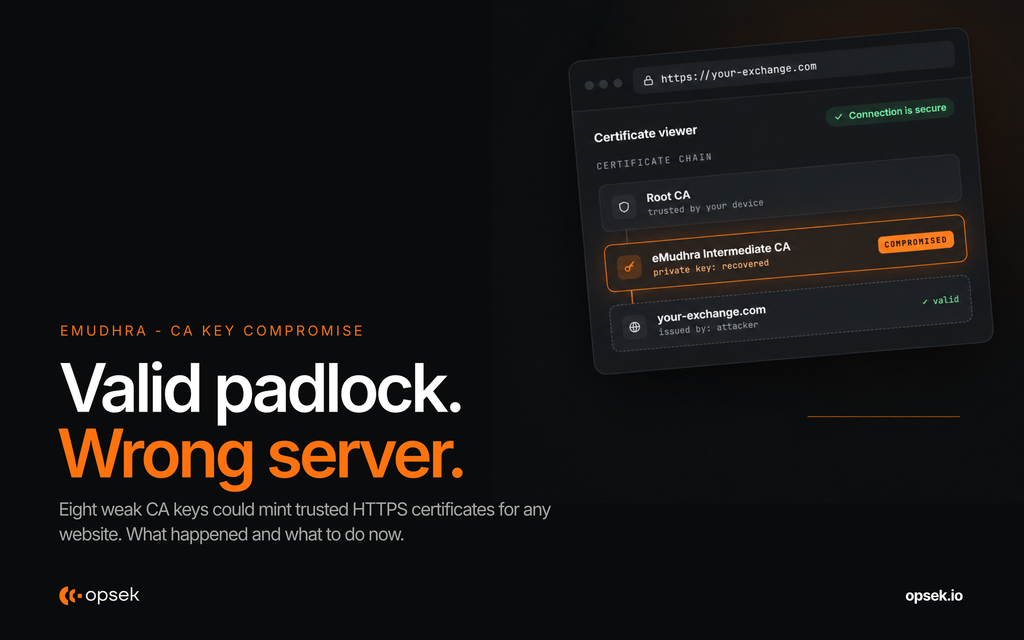
On October 17, 2026, a security researcher reported that 8 private keys belonging to eMudhra, an Indian certificate authority, were compromised.
The problem? These keys were so weak that anyone could calculate them. Six of the affected certificates could be used to issue fake HTTPS certificates for legitimate websites, including banks, crypto exchanges, and wallet interfaces.
An attacker could potentially impersonate a real website, intercept your connection, and access sensitive information, while your device shows a valid HTTPS connection.
Google, Mozilla, Apple, and Microsoft have already taken action to block the affected certificates. But the incident is not over. Many applications, developer tools, and outdated systems may still trust them.
First, why do certificate authorities matter?
When you visit a website using HTTPS, your browser checks its certificate to verify that it is connecting to the right server.
These certificates are issued or validated through certificate authorities (CAs), organizations trusted by browsers and operating systems.
Think of a CA as an organization that can confirm a website's identity.
The padlock in your browser means the connection is encrypted and the certificate has passed validation. It does not mean the website itself is safe.
Now imagine an attacker who can issue certificates that your device considers legitimate, even for websites the attacker does not own.
That's what made the eMudhra incident so serious.
What happened on October 17?
The affected certificates were created in April 2025. Due to a problem during key generation, their private keys were extremely weak and could be recovered from publicly available information.
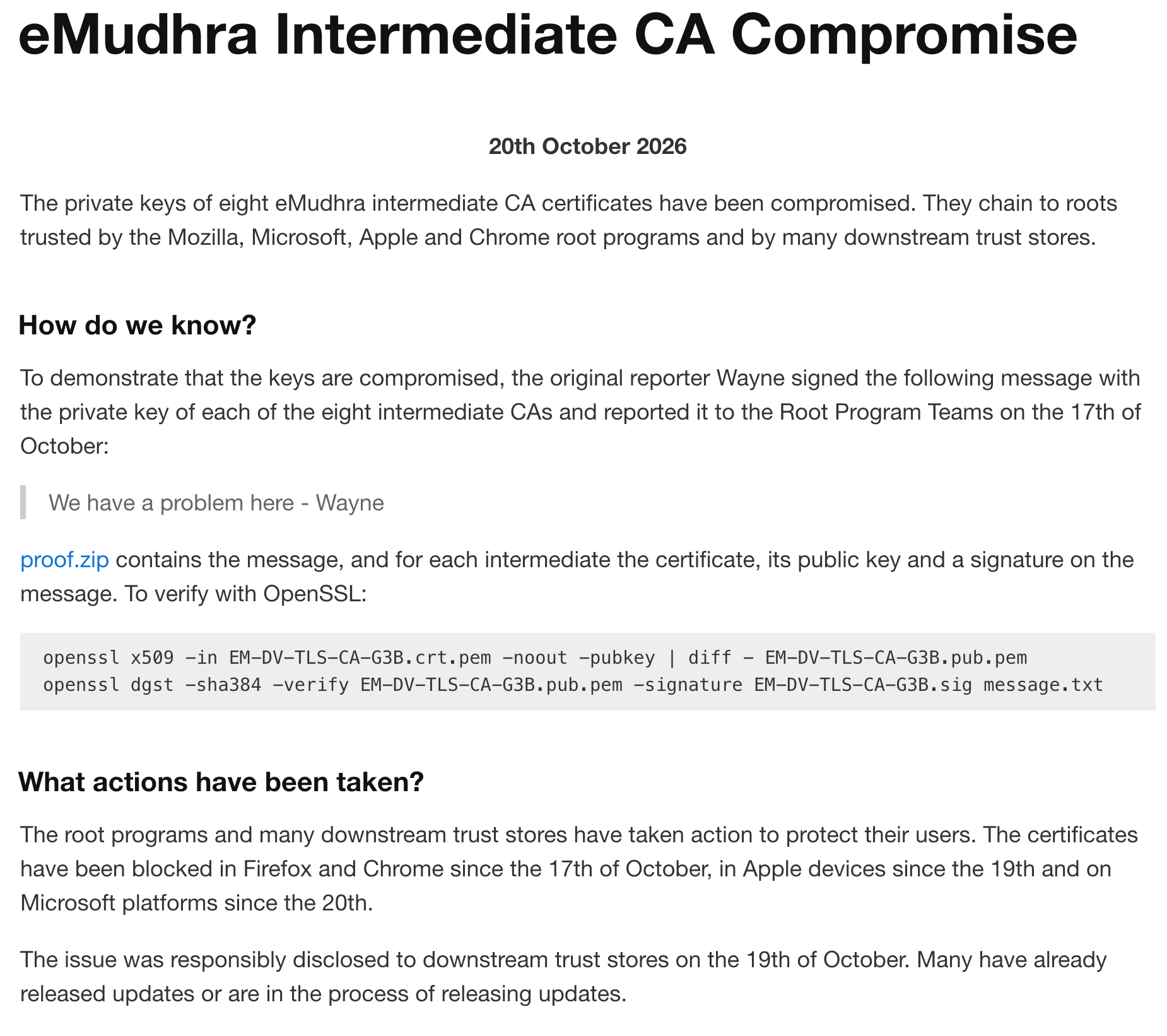
A researcher known as Wayne discovered the issue and demonstrated possession of the private keys by signing a message with them.
The incident was reported to browser vendors on October 17 and publicly disclosed on October 20.
Here is the timeline:
| Date (UTC) | What happened |
|---|---|
| April 30, 2025 | The affected keys were generated |
| Oct 17, 18:05 | Google Chrome receives the report |
| Oct 17, 19:45 | Chrome deploys its certificate block |
| Oct 17, 20:06 | Mozilla receives the report |
| Oct 17, 22:59 | Firefox finishes distributing its protection |
| Oct 19 | Apple blocks the affected certificates |
| Oct 20 | Microsoft blocks the affected certificates and the incident becomes public |
The affected intermediate certificates have also been revoked by eMudhra.
How bad is it?
The potential impact is serious, but it depends on whether your device or application still trusts the compromised certificates.
Let's take an example.
You're connecting to your crypto exchange while using public Wi-Fi. An attacker controls or intercepts your network traffic and redirects your connection to a malicious server.
Normally, your browser or application should reject a fake certificate.
But if the attacker uses one of the compromised CA keys, they could create a certificate that a vulnerable client accepts as legitimate.
The result? You could be communicating with the attacker instead of the exchange, without receiving a certificate warning.
The attacker could potentially read or modify sensitive traffic, including authentication information.
This is not limited to crypto exchanges. The same problem could affect banks, email providers, APIs, and other services using HTTPS.
The good news: Chrome and Firefox blocked the affected certificates on October 17, without requiring most users to manually update or restart their browsers. Apple and Microsoft also deployed protections.
Google also reported that it found no certificates issued by the affected TLS intermediates in Certificate Transparency logs before its blocking action. This means attacks against Chrome and other clients enforcing Certificate Transparency were not possible through these certificates during that period.
There is currently no confirmed evidence of malicious exploitation, but attacks against clients that do not enforce Certificate Transparency cannot be ruled out.
The remaining risk: Applications and systems that do not receive browser-style certificate revocation updates.
This includes:
- Outdated phones, computers, and operating systems.
- Desktop applications using their own certificate stores.
- Developer tools, scripts, and API clients.
- Servers, containers, and applications with outdated dependencies.
- Routers, smart devices, and other equipment that rarely receives updates.
Updating Chrome does not automatically fix every application installed on your computer.
What should you do today?
For most users, the recommendations are straightforward.
- Update your devices. Install available security updates for macOS, Windows, Linux, iOS, and Android.
- Update your browsers. Chrome, Firefox, Safari, and Edge have deployed protections. Make sure you are running a supported version.
- Update desktop applications. Check for updates to Slack, Discord, VS Code, and other applications as patches become available.
- Be careful with untrusted networks. Avoid sensitive activity on public Wi-Fi if your device or applications have not received the relevant protections.
- Never ignore certificate warnings. If your browser reports an invalid certificate, do not click "continue anyway".
- Install updates from official sources only. Ignore emails or messages offering special certificate fixes.
For developers and security teams, there is additional work.
Check your application's certificate trust store, TLS libraries, containers, and dependencies. Some applications use their own certificate bundles instead of relying on the operating system.
For example, patched versions have already been published for Go, Python's certifi package, Electron, and several Linux certificate bundles.
You can find the updated list of affected software and patched versions on the researcher's incident page.
Check websites with OPSEK's certificate checker
Following this incident, we built a simple tool to help users check whether a website presents a certificate associated with the compromised eMudhra certificates.
You can access it here:
https://emudhracheck.opsek.io/
Enter the website you want to check and review the certificate check results.
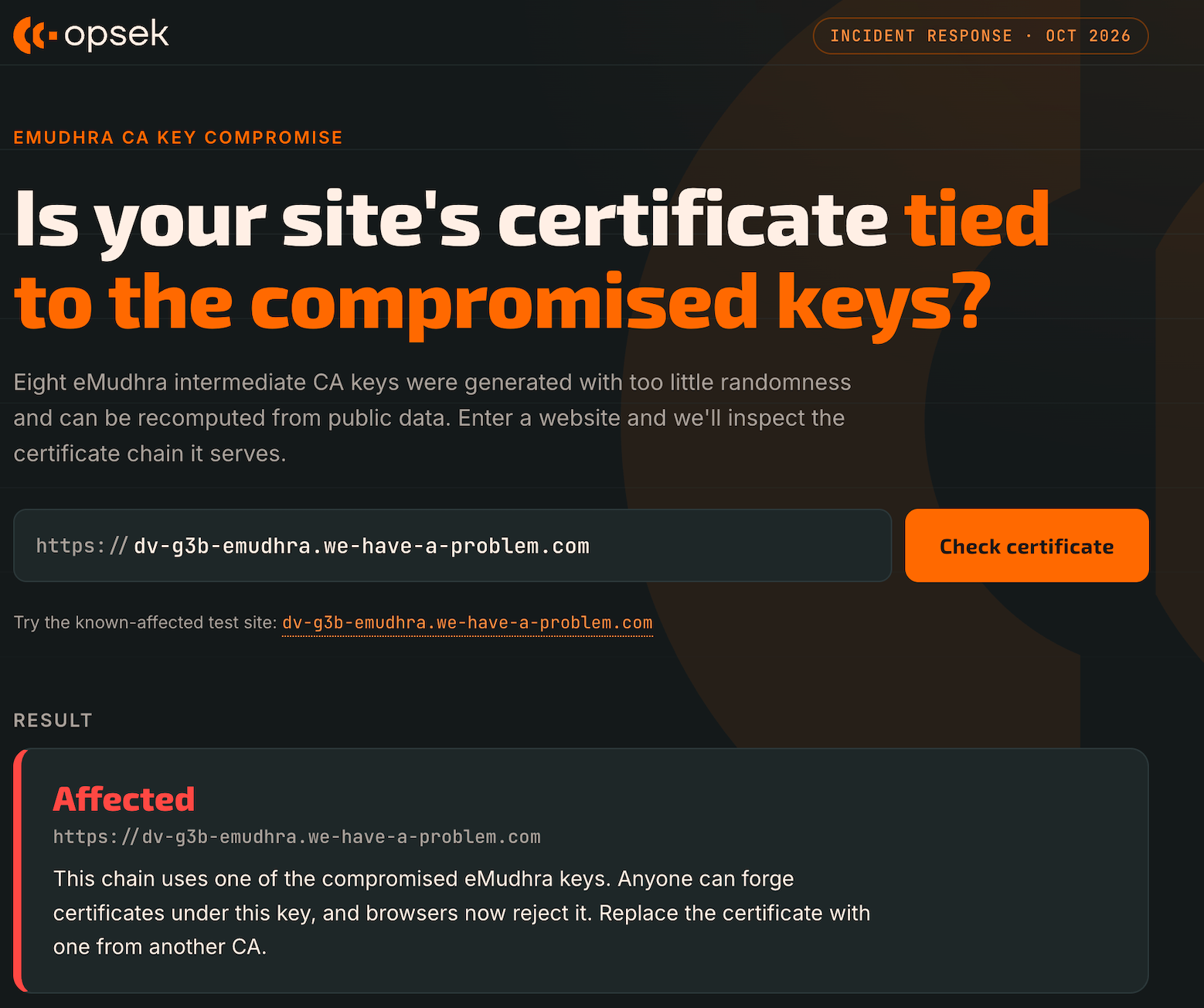
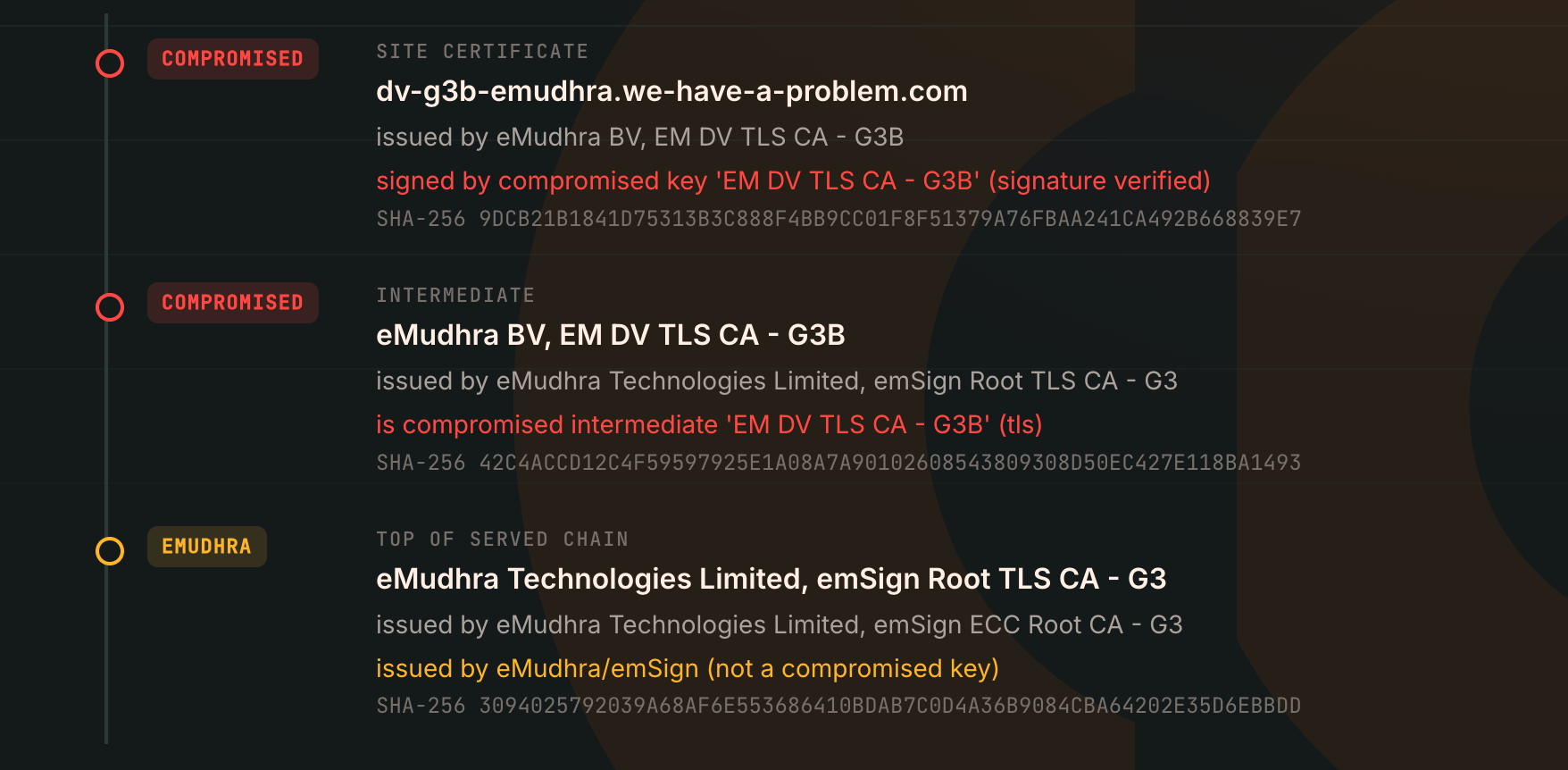
Keep in mind that checking a website's current certificate is different from checking whether your browser, operating system, or another application still trusts the compromised CAs.
A website certificate check alone cannot confirm that every application on your device is protected.
For that, the original researcher's page also provides tests for browser and command-line certificate validation.
Final thoughts
Eight compromised CA keys are enough to create a serious problem for internet security.
The major browsers reacted quickly, but the challenge is now making sure that every other application and system stops trusting the affected certificates.
For regular users, update your devices and applications, and never bypass certificate warnings.
For developers and organizations, review your certificate trust stores and dependencies. Do not assume that updating the operating system fixes everything.
And remember: a valid HTTPS certificate does not always mean you are talking to the right server.